
Psiphon
Psiphon is a free and open-source internet censorship circumvention tool for Windows that connects you to blocked websites through its own network.
10.8 MB

3.1.6 · Jinrong Zheng · Page updated
SuperVPN is a free VPN client for Windows and Android listed under developer Jinrong Zheng, with no official website in our data.
Average 0.0 · ratings: 0
Thank you! Your rating is saved; you can change it. Could not save the rating. Please try again later. Too many ratings from your network today. Please try again tomorrow. The average appears after 5 ratings.
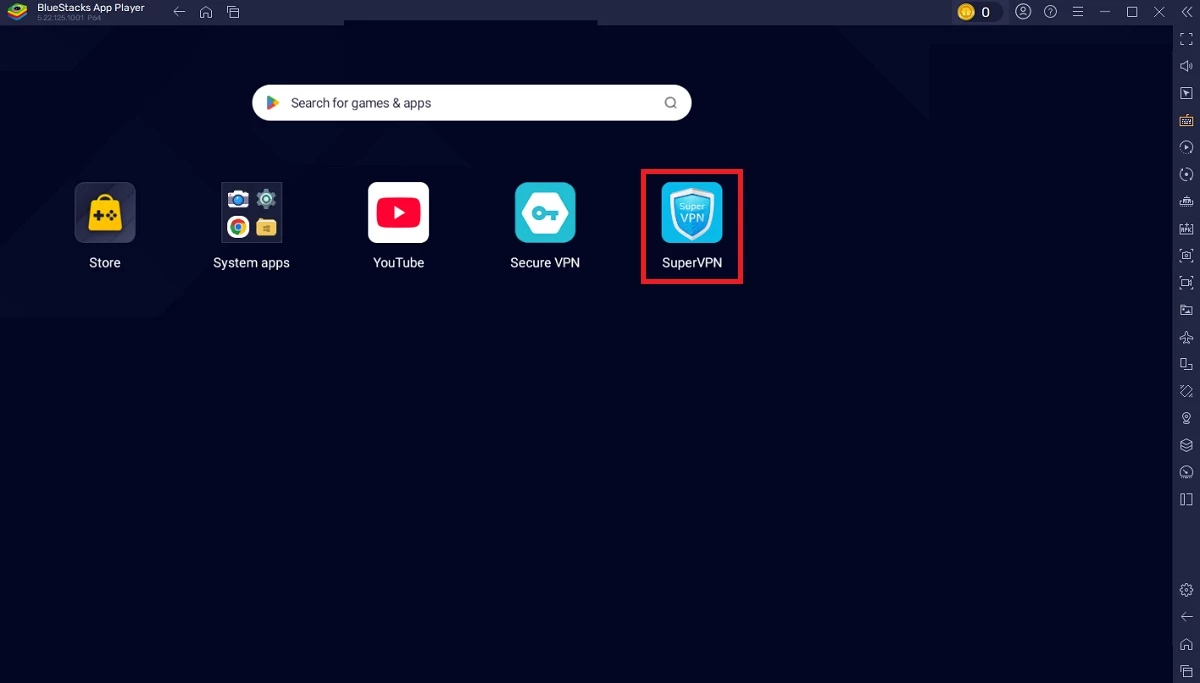
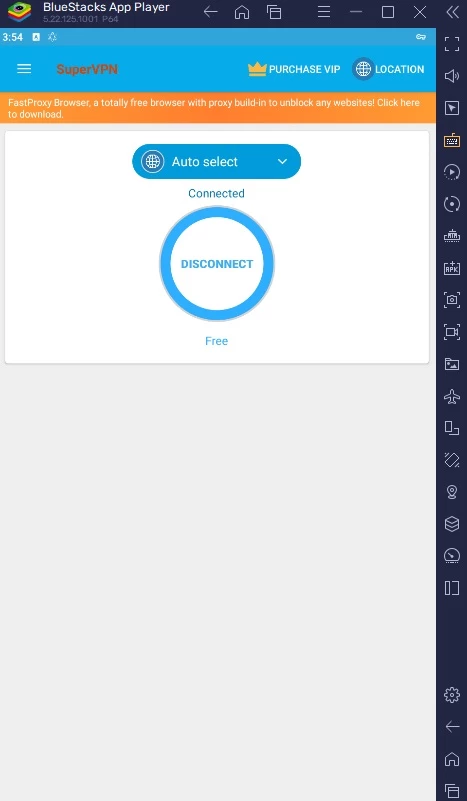
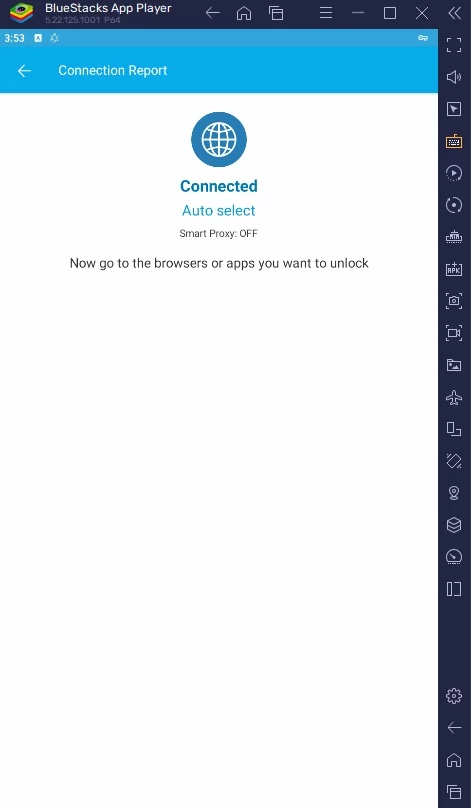
SuperVPN 3.1.6 is a free VPN client for Windows listed under the developer name Jinrong Zheng; the same app also exists for Android. Before you download SuperVPN for Windows, it helps to understand what any VPN can see and why the choice of provider matters more than the app itself.
SuperVPN is a simple VPN client: you start it, press connect and your traffic goes through a server run by the service. Websites then see the server's address instead of yours, and blocked sites may become reachable. Free VPN apps of this kind are popular because they need no registration and no payment. The price is paid in other ways. Running servers costs money, so free services usually earn through advertising, limits that push you to a paid plan, or data. In our data, SuperVPN has no official website, no published privacy policy and no company page, only the developer name and version. That makes it hard to know who operates the servers, where they are and what is logged.
Everything that passes through the tunnel: which sites you visit, when and how much data you move. Encrypted HTTPS pages hide their content, but not the fact that you visited them. A VPN operator you cannot identify is in the same position as an unknown Wi-Fi hotspot owner, just for all your traffic.
No one can vouch for it based on the information available. If you use it, avoid logging in to banking, work or email accounts while connected, and never install copies from random download sites, which may be modified. For anything sensitive, choose a provider with a known company behind it and a public privacy policy.
The developer publishes no requirements in our data. The Windows package is about 40.74 MB according to catalogue data.
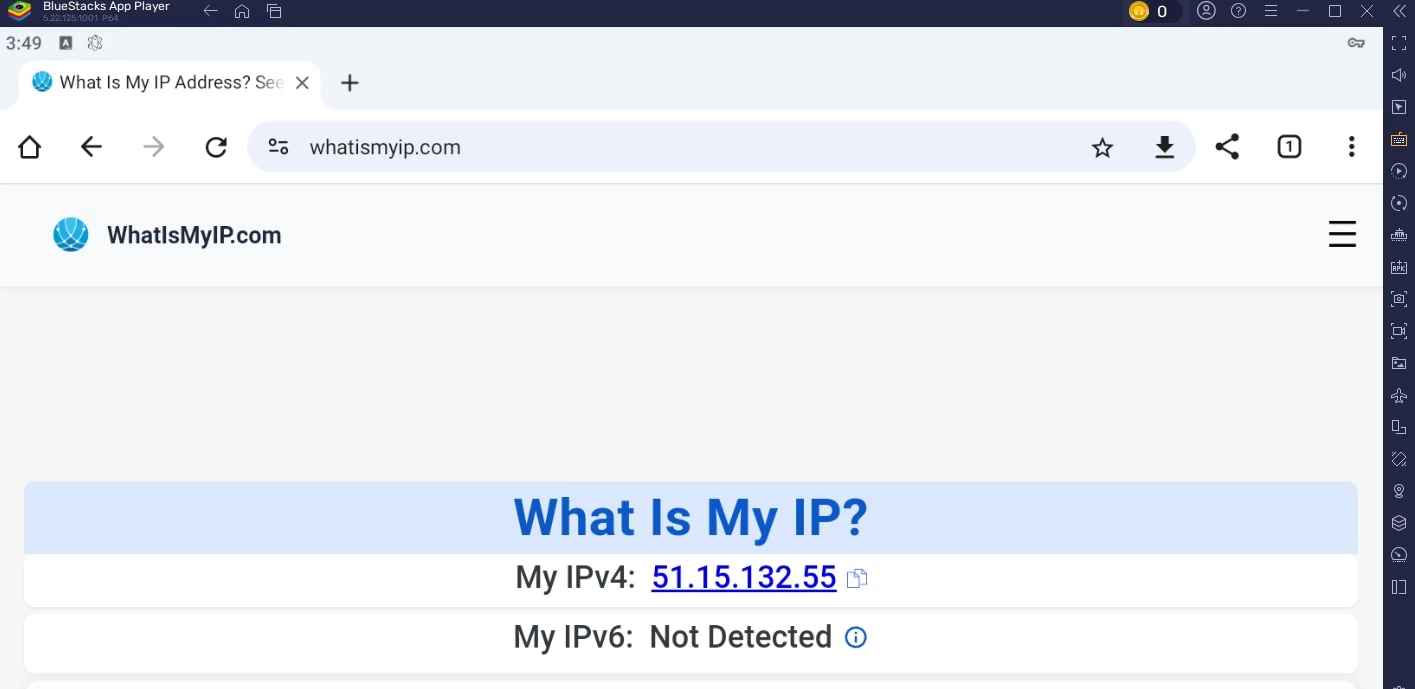
Open an IP lookup page before and after connecting: the address and country should change. If sites load slowly, switch to another server location. If some pages do not open at all while connected, disconnect; a crowded free server is the usual reason.
SuperVPN is listed as freeware. Expect ads or limits in exchange.
VPNs from known providers on our site include Proton VPN, Windscribe VPN, Mullvad VPN and CyberGhost; for reaching blocked sites, Psiphon is another option.
Psiphon is a free and open-source internet censorship circumvention tool for Windows that connects you to blocked websites through its own network.

1111 Warp VPN is Cloudflare's WARP client for Windows, which encrypts DNS and traffic between your PC and Cloudflare's network.

Turbo VPN for Windows is a VPN client from Innovative Connecting that encrypts your connection and routes it through the provider's servers.

Proxifier is a Windows program by VentoByte that sends the network traffic of any application through a proxy server, even if the app has no proxy settings.

VPN Planet is a Windows VPN client from FreeVPNPlanet with a free option, available from its website and the Microsoft Store.

Radmin VPN is a free Windows program from Famatech that connects computers over the internet into a virtual local network, for LAN games and remote access.

v2rayN is a free, open-source Windows GUI client by 2dust for Xray, v2ray and sing-box proxy servers, with subscriptions and routing rules.

Hotspot Shield is a VPN app for Windows that encrypts your internet connection and changes your virtual location.